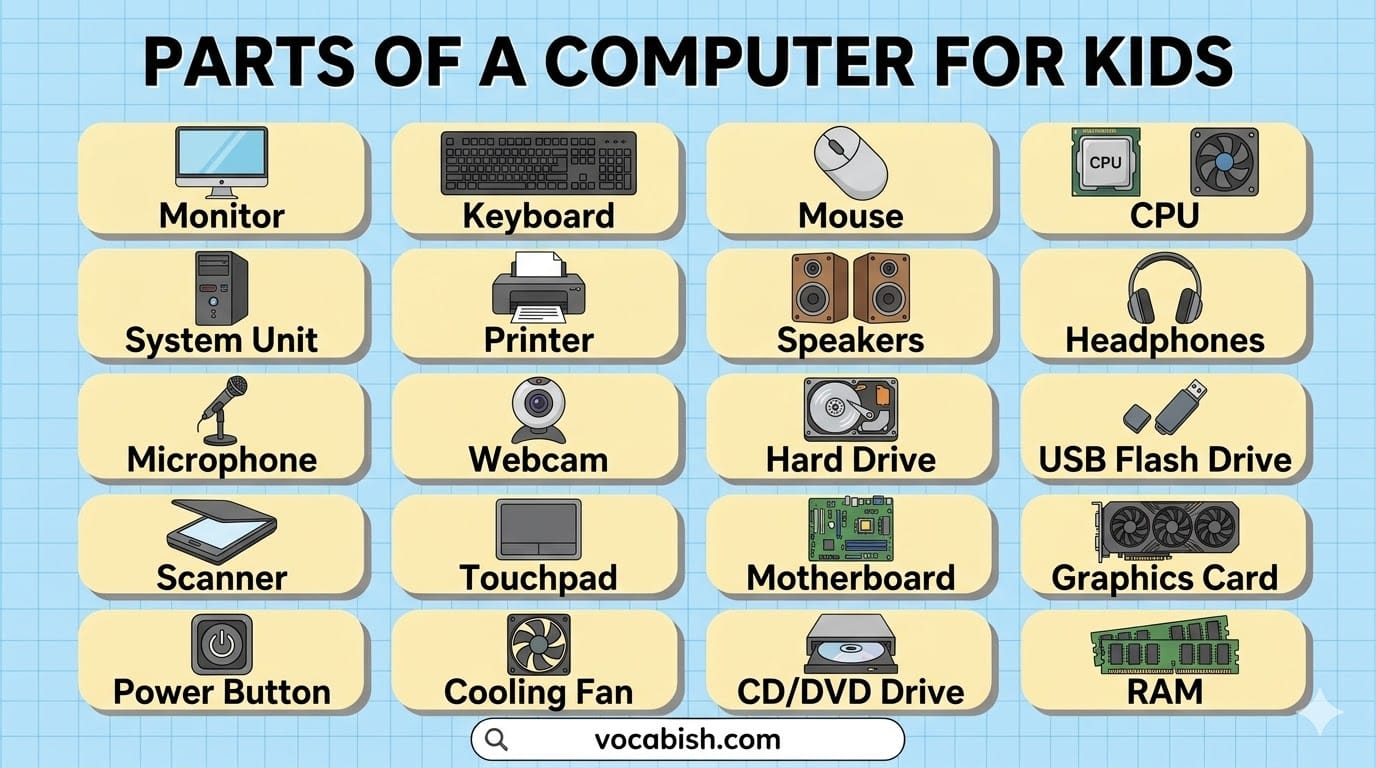

In this blog post, you will learn the names of computer, parts, and their uses in daily life. Computer parts are the basic pieces like keyboard, mouse, and monitor that help a computer work. These words are important for English learners because they are used in school, books, and everyday conversations. When you understand these terms, you can speak more confidently, read lessons easily, and write correct sentences. You also listen better because you recognize common words your teacher or others use. Step by step, you will understand each part and how it works, so you can use these words in real life.
What Are Computer Parts?
Computer parts are the different pieces that work together to make a computer function. Each part has a special job. Some parts help you type, some show pictures, and others store information.
Why Kids Should Learn Computer Vocabulary
Learning these words is helpful because:
- You can talk about computers clearly
- You understand school lessons better
- You can follow instructions easily
- You build strong English vocabulary
Main Parts of a Computer
A computer has four main types of parts:
- Input devices – used to enter data
- Output devices – show results
- Processing parts – think and process information
- Storage devices – save data
Input Devices (Give Instructions)
These parts help you tell the computer what to do:
- Keyboard
- Mouse
- Microphone
- Webcam
Output Devices (Show Results)
These parts show what the computer does:
- Monitor
- Printer
- Speakers
- Headphones
Storage Devices (Save Information)
These parts store files and data:
- Hard Drive
- USB Flash Drive
- Memory Card
20 Common Computer Parts with Uses
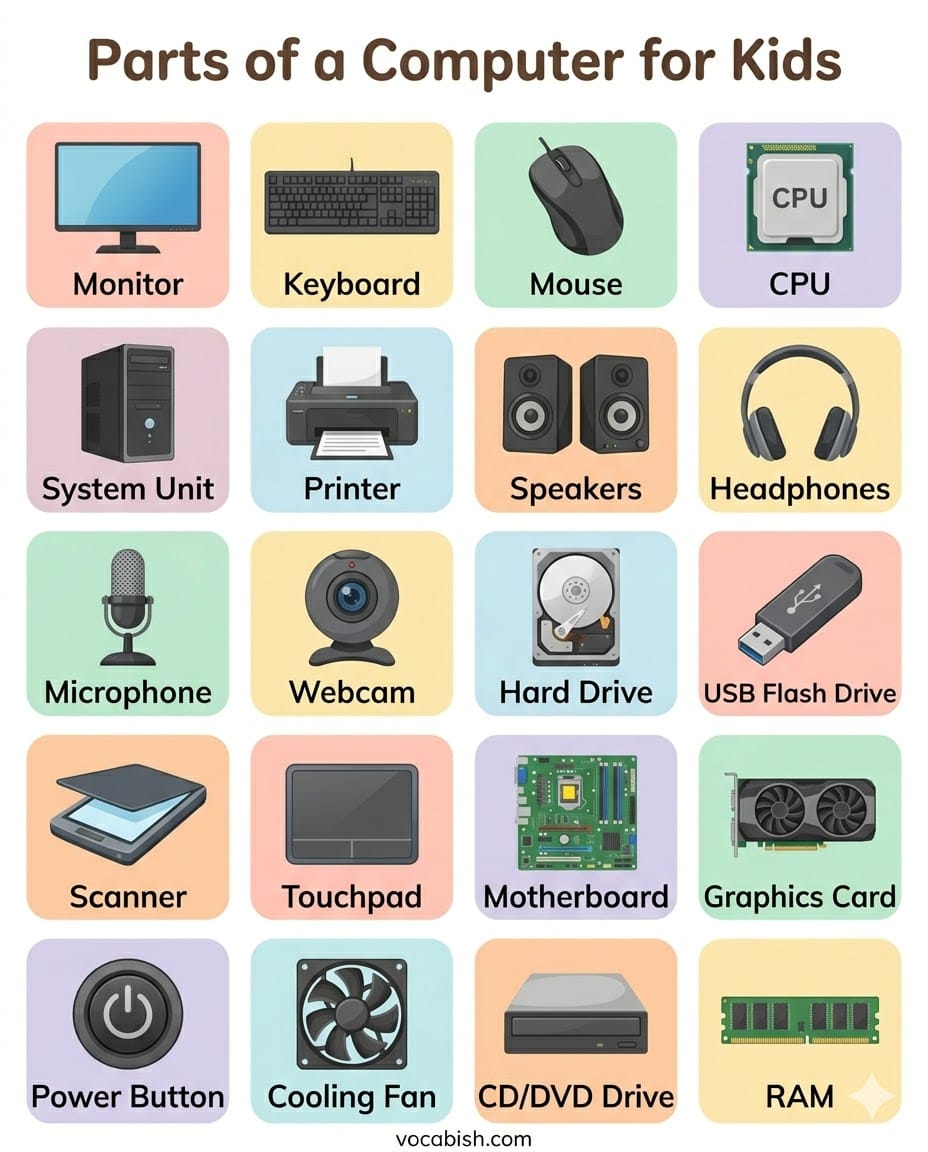
Here are the most important computer parts every kid should learn:
- Monitor – Shows pictures, videos, and text on the screen
- Keyboard – Helps you type letters, numbers, and words
- Mouse – Moves the pointer and helps you click on things
- CPU (Central Processing Unit) – The brain of the computer
- System Unit – The main box that holds important parts
- Printer – Prints documents and pictures on paper
- Speakers – Play sound and music
- Headphones – Let you listen to sound privately
- Microphone – Records your voice
- Webcam – Takes photos and videos
- Hard Drive – Stores all files and programs
- USB Flash Drive – Small device to save and transfer data
- Scanner – Copies pictures or documents into the computer
- Touchpad – A flat surface used instead of a mouse (on laptops)
- Monitor Screen – The display area where you see everything
- Power Button – Turns the computer on and off
- CD/DVD Drive – Reads discs (used in some computers)
- Graphics Card – Helps show images and videos clearly
- Motherboard – Connects all computer parts together
- Cooling Fan – Keeps the computer from getting too hot
Simple Tips to Remember Computer Parts
- Use the computer and say the part names aloud
- Practice with pictures and labels
- Group parts by their function (input, output, storage)
- Repeat the words daily for better memory
Related Articles:
FAQs
Parts of a computer for kids are the basic components like keyboard, mouse, monitor, CPU, and speakers. Each part has a specific job that helps the computer work and respond to instructions.
The CPU (Central Processing Unit) is the most important part of a computer. It acts like the brain and processes all instructions, helping the computer run programs and perform tasks.
Input devices are parts used to give information to the computer. Examples include the keyboard, mouse, and microphone. These devices help users type, click, and speak commands.
Output devices show results from the computer. Common examples are the monitor, speakers, and printer. They help users see images, hear sound, and print documents.
A keyboard is used to type letters, numbers, and symbols into the computer. It helps kids write sentences, answer questions, and control tasks using keys.
A mouse helps control the pointer on the screen. Kids use it to click, select, drag, and open files or programs easily while using the computer.
Storage in a computer keeps data, files, and programs safe. Devices like hard drives and USB flash drives save information so it can be used again later.
Conclusion
Learning the parts of a computer for kids is simple and useful. These words help you understand technology and improve your English at the same time. Start with basic parts, practice often, and soon you will use these words confidently in your daily life.