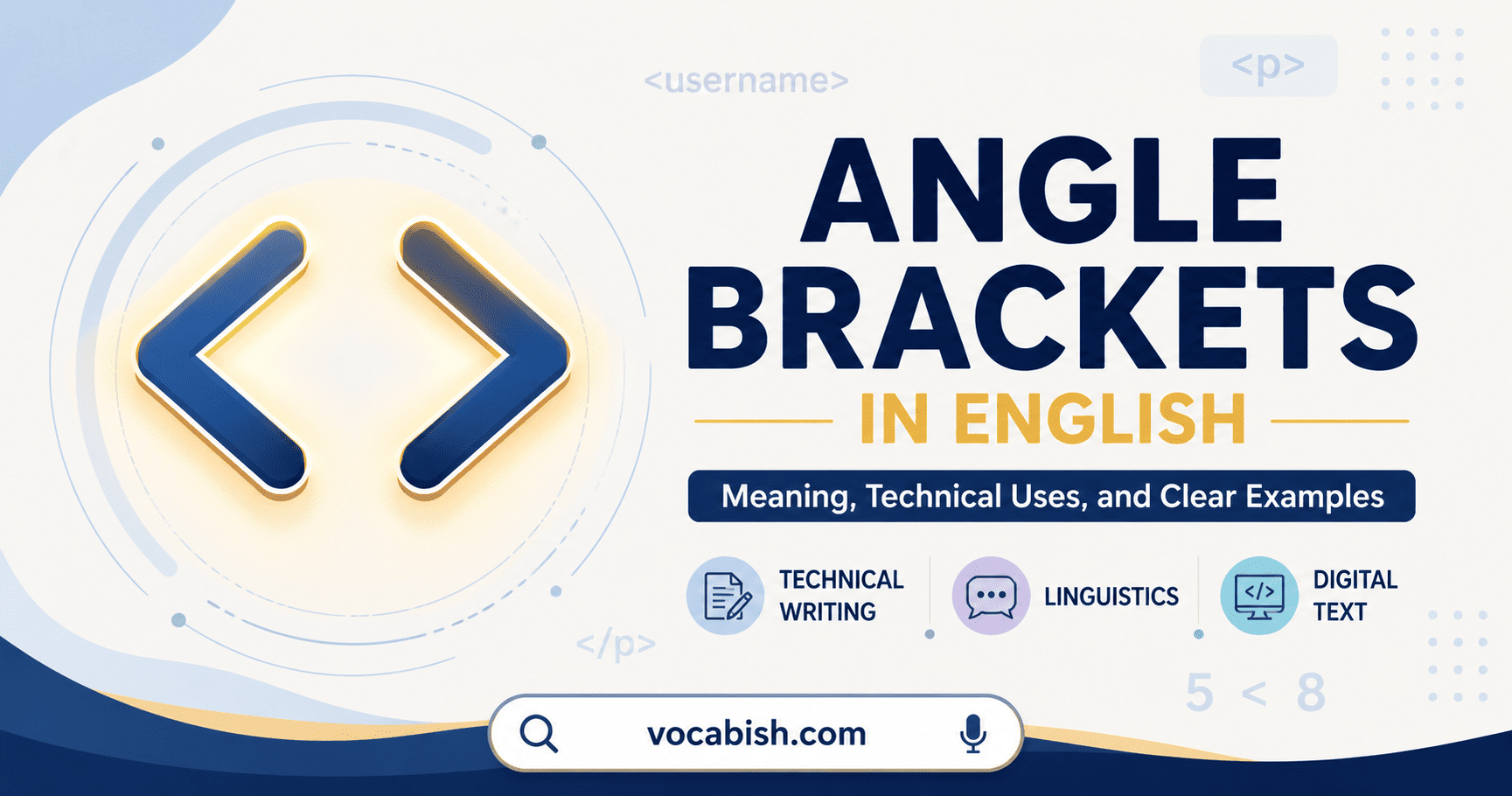

Angle brackets are the paired marks < > or ⟨ ⟩ used mainly to enclose technical, linguistic, or digital information. Unlike parentheses and square brackets, they rarely appear in ordinary English sentences.
You are most likely to see them in computer code, instructional placeholders, linguistic examples, and mathematical comparisons. Their meaning depends on the subject and whether the marks are being used as a pair.
What Are Angle Brackets?
Angle brackets consist of an opening mark and a closing mark:
- Opening angle bracket:
<or⟨ - Closing angle bracket:
>or⟩ - Paired form:
<text>or⟨text⟩
On a standard keyboard, people commonly use < and > as angle brackets. Technically, Unicode identifies these characters as the less-than sign and greater-than sign. The typographic characters ⟨ and ⟩ are separate mathematical angle brackets. (Unicode)
The same visible marks can therefore perform different jobs:
<name>encloses a placeholder.<p>represents an HTML tag.<sh>identifies written letters in linguistics.4 < 9means that four is less than nine.
Context usually makes the intended meaning clear.
Uses in Technical Writing
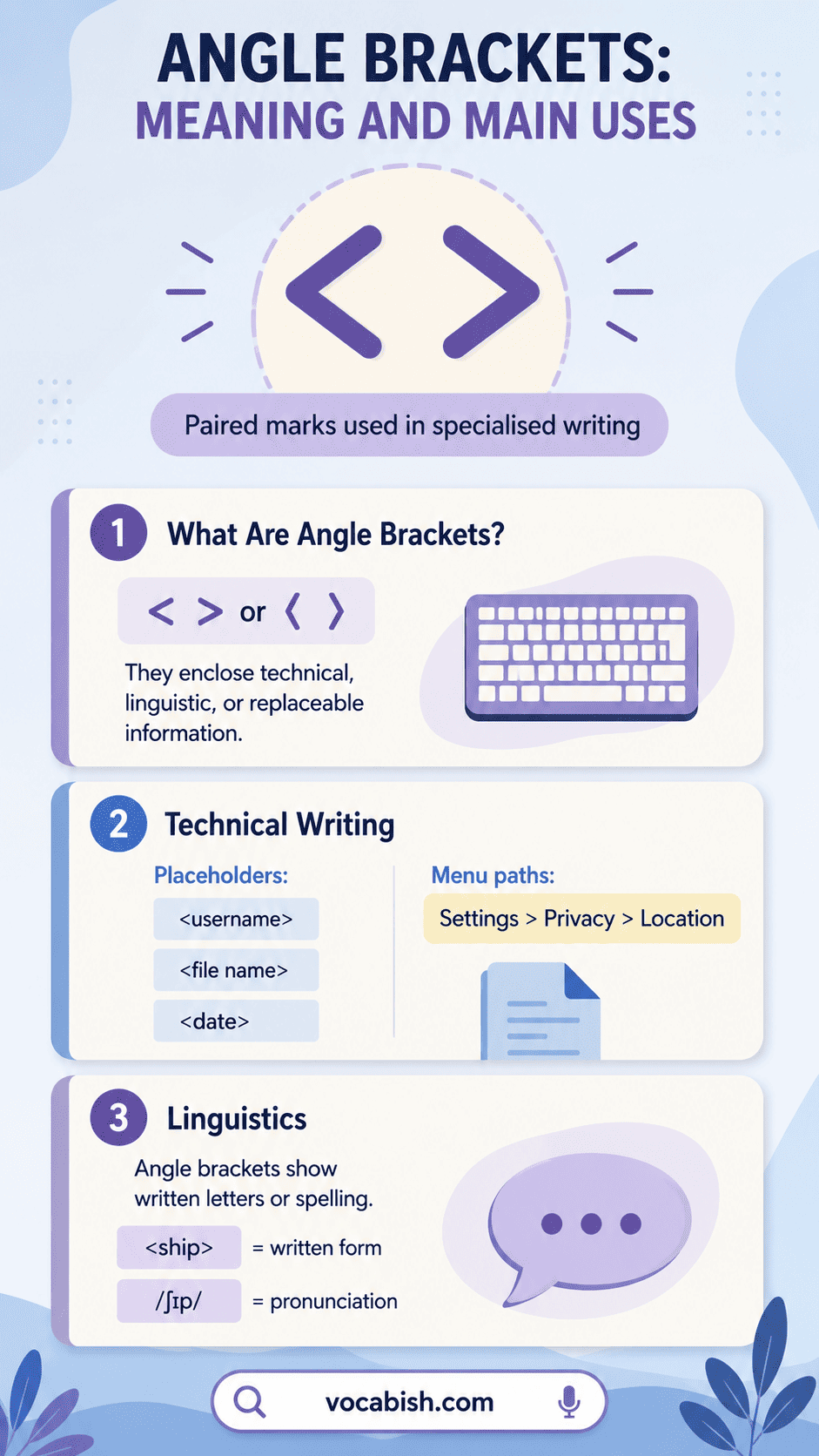
Technical writers use angle brackets when part of an instruction must be replaced with information supplied by the reader.
Showing placeholders
A placeholder represents a value that has not yet been entered.
- Enter
<username>to continue. - Save the document as
<file name>.pdf. - Send the message to
<email address>. - Replace
<date>with the submission date.
The text inside the brackets is not normally typed exactly as shown. The reader replaces it with suitable information.
For example:
Type
login <username>.
A user named Sara would type:
login Sara
Microsoft’s technical-writing guidance recommends angle brackets for code placeholders when those marks are not already part of the programming language’s syntax. (Microsoft Learn)
Presenting command patterns
Angle brackets can identify required information in a command:
rename <old file> <new file>search <keyword>send <message> <recipient>create-user <name> <password>
Writers should explain the convention before using it because some beginners may type the brackets themselves.
Showing navigation paths
A single right angle bracket may separate steps in a menu or settings path:
- Select Settings > Privacy > Location.
- Go to File > Export > PDF.
- Open Tools > Language > Spelling.
Here, the marks are not a pair. Each > means “go to the next option.” Style guidance commonly recommends spaces around these separators for readability. (Microsoft Learn)
Uses in Linguistics
In linguistics, angle brackets can show that the writer is discussing spelling, letters, or graphemes, rather than pronunciation.
- The spelling
<cat>contains three letters. - The grapheme
<c>may represent different sounds. - The letter sequence
<sh>usually represents one sound in English. - The ending
<ed>has several pronunciations.
This notation helps distinguish written and spoken forms:
Notation | What It Represents | Example |
|---|---|---|
< > | Spelling or graphemes | |
/ / | Phonemes | /ʃɪp/ |
[ ] | Detailed speech sounds | [ʃɪp] |
Consider the word ship:
<ship>refers to its written form./ʃɪp/represents its phonemic pronunciation.[ʃɪp]may represent a more detailed phonetic transcription.
Angle brackets are therefore useful when comparing spelling with pronunciation. Linguistic notation guides commonly use them around orthographic letters and graphemes. (Universität Bremen)
Uses in Digital Text
Angle brackets play an important role in coding, markup, templates, and online instructions.
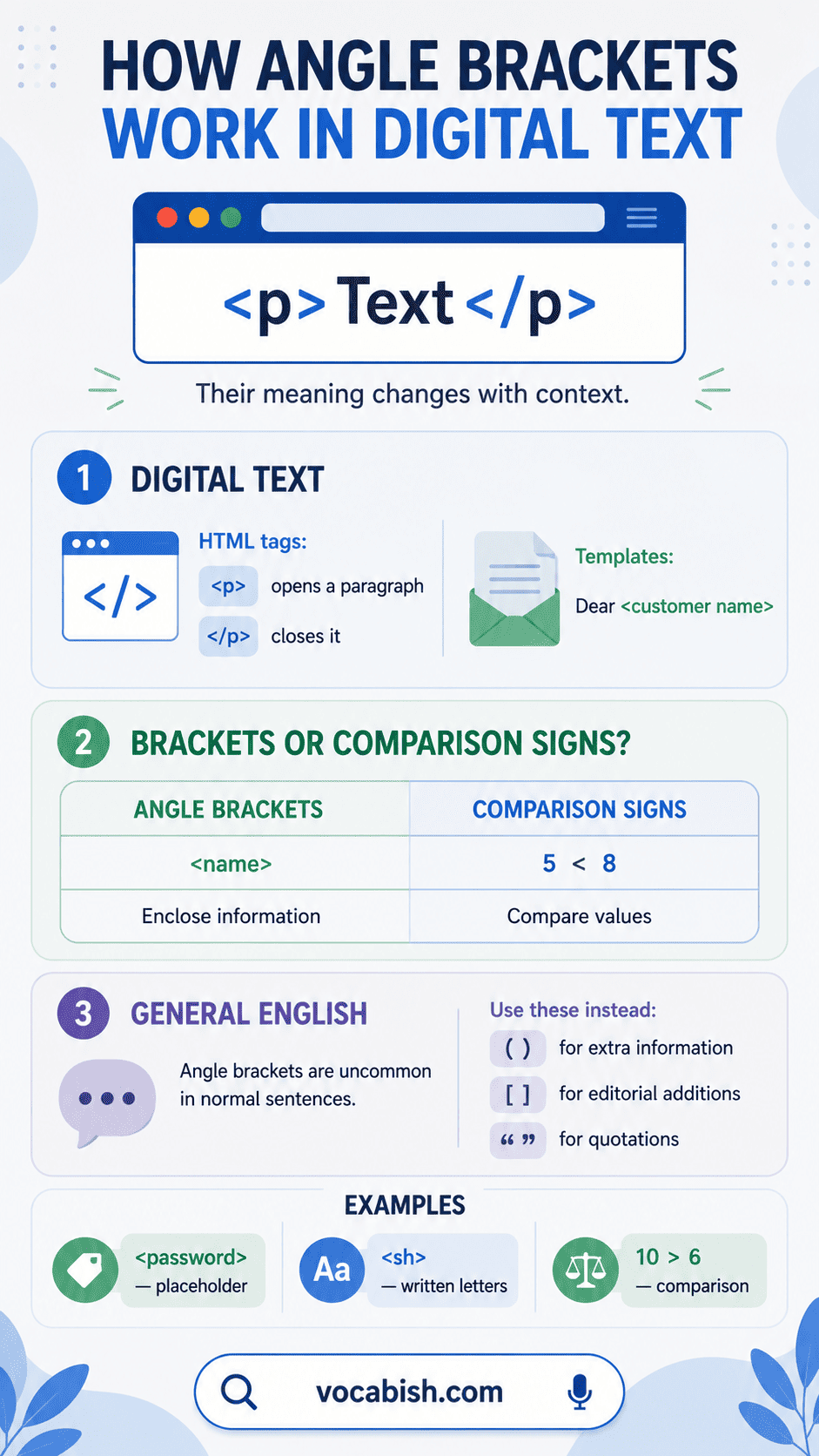
HTML tags
HTML uses angle brackets to mark elements on a webpage:
<p>This is a paragraph.</p>
In this example:
<p>opens the paragraph element.</p>closes it.- The forward slash shows that the second tag is a closing tag.
Other familiar examples include:
<h1>Main Heading</h1>
<a>Link text</a>
<strong>Important text</strong>
The angle brackets separate the tags from the visible content. W3C documentation describes HTML tags as being set apart by < and >. (W3C)
Templates and automatic fields
Digital forms and templates may use angle brackets to identify information that will be inserted later:
- Dear
<customer name>, - Your order
<order number>has been dispatched. - The meeting begins at
<time>. - Contact
<department>for assistance.
These marks tell the writer or software that the enclosed words are temporary instructions, not final text.
Code and structured data
Some programming and markup systems assign special meanings to angle brackets. Depending on the language, they may indicate:
- Tags
- Generic types
- Comparison operations
- Input or output
- Replaceable values
Because the meaning changes between systems, writers should not assume that every use of < and > works in the same way.
Angle Brackets vs Comparison Symbols
The keyboard characters < and > may function as brackets or mathematical symbols. Their role depends on whether they enclose information or compare values.
Feature | Angle Brackets | Comparison Symbols |
|---|---|---|
Main purpose | Enclose specialised information | Compare two values |
Typical form | | 5 < 8 |
Used as a pair | Usually | No |
Text or numbers inside | Often text | Usually numbers or quantities |
Common fields | Technology, linguistics, coding | Mathematics, statistics, programming |
How they are read | “Angle brackets” | “Less than” or “greater than” |
Compare these examples:
<age>means “insert an age here.”age < 18means “age is less than eighteen.”<th>refers to the written letter combination.20 > 12means “twenty is greater than twelve.”
Spacing also helps show the difference:
- A placeholder is commonly written without inner spaces:
<name> - A comparison normally has spaces around the symbol:
10 > 6
Spacing conventions can vary in code, formulas, and publication styles.
Limited Use in General English
Angle brackets are not standard punctuation for ordinary paragraphs, essays, emails, or stories.
Do not normally use them instead of:
- Parentheses for additional information
Correct: The office closes early (usually at 3 p.m.). - Square brackets for editorial additions
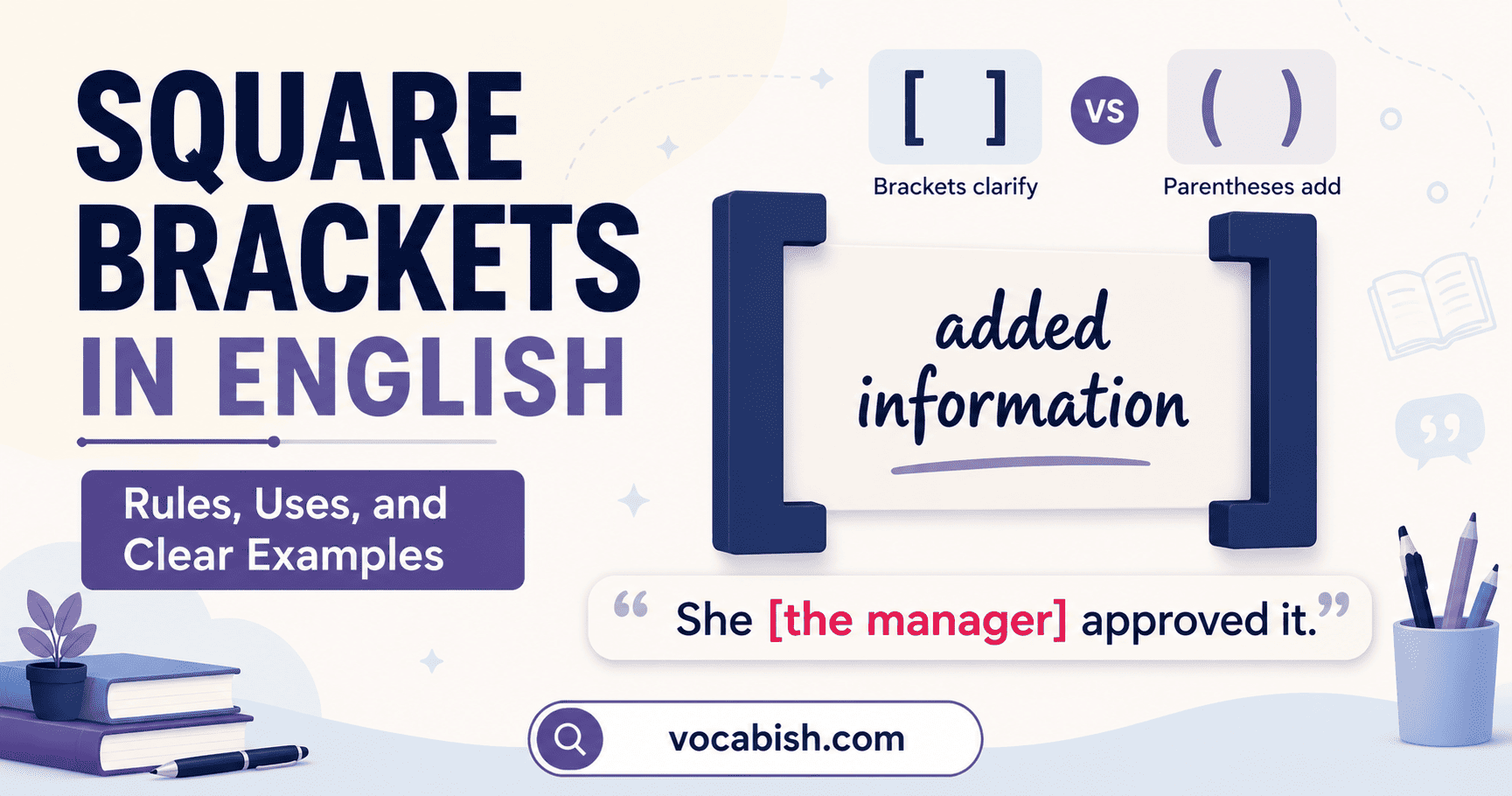
Correct: “They [the students] arrived early.” - Quotation marks for direct speech or quoted words
Correct: She said, “I understand.” - Dashes for an interruption or added emphasis
Correct: The final speaker—our new director—arrived late.
The following sentence looks unnecessarily technical:
My brother
<who lives abroad>is visiting.
Use parentheses or commas instead:
My brother, who lives abroad, is visiting.
Angle brackets may occasionally appear in specialised editing, transcription, or academic notation, but readers should not be expected to understand an unexplained system.
Examples of Angle Brackets in English
Example | Context | Meaning |
|---|---|---|
| Technical instruction | Insert a password |
| Template | Replace with a title |
| HTML | Opens a paragraph element |
| HTML | Closes a paragraph element |
| Linguistics | Refers to the written word |
| Linguistics | Refers to a letter sequence |
3 < 7 | Mathematics | Three is less than seven |
15 > 9 | Mathematics | Fifteen is greater than nine |
Home > Account > Security | Digital navigation | Follow a sequence of menu options |
email | Command pattern | Replace the placeholder with a recipient |
Short Summary on Angle Brackets
Angle brackets mainly appear in technical writing, linguistics, coding, templates, and digital navigation. They can enclose placeholders, mark written language, form HTML tags, or separate menu steps.
The symbols < and > also express mathematical comparisons. Check the context: paired marks generally enclose information, while individual symbols compare values.
FAQs About Angle Brackets
Angle brackets are paired marks shaped like < and >, mainly used in technical writing, linguistics, programming, digital instructions, and specialised notation.
In HTML, angle brackets surround tag names, helping browsers recognise elements such as paragraphs, headings, links, and other page structures.
No. In mathematics, < and > express comparison, while paired angle brackets usually enclose technical, linguistic, placeholder, or coded information within specialised notation.
Linguists place spellings or graphemes inside angle brackets to distinguish written forms from phonemes in slashes and speech sounds in square brackets.
Angle brackets can mark replaceable information, such as <username> or <file name>, when instructions require users to enter their own details.
They are uncommon in ordinary sentences because parentheses, square brackets, quotation marks, and dashes already handle most general writing purposes.
Usually, no spaces appear immediately inside paired angle brackets, but spacing may depend on the software, notation system, or publication style.
You May Also Like